VW Golf Radio Code Guide: MK4–MK8 Overview
VW Golf Radio Code — What You Need to Know
Volkswagen Golf radio and infotainment security changed significantly from MK4 to MK8. Many legacy units use a serial-matched PIN, while newer MIB systems can require a different compatibility or protection workflow.
Golf MK4 (1997–2003): RCD 200 / RCD 300 / Gamma / Beta
MK4 Golfs came with several radio options. The most common are the RCD 200 and the older Gamma/Beta units.
- Serial format: VWZ + 11 characters
- How to find serial: Press and hold 1+6, or remove radio with standard VW removal keys
- Code entry: Use preset buttons, confirm with right arrow
Many Gamma and Beta units from the late 1990s use a legacy serial-matched PIN workflow. Confirm the fitted unit before following a code-entry procedure.
Golf MK5 (2003–2009): RCD 300 / RCD 500
The MK5 introduced more modern radio systems. The RCD 300 was standard, while the RCD 500 (with CD changer) was optional.
- Serial format: VWZ + 11 characters
- Common issue: Battery drain on MK5s causes frequent radio lockouts
- Pro tip: If replacing the battery, use a memory saver to keep the radio powered
Golf MK6 (2008–2013): RCD 310 / RCD 510 / RNS 310 / RNS 510
The MK6 era brought significant improvements. The RCD 310 became the standard unit, while the RNS 510 with touchscreen navigation was the premium option.
- RCD 310: The most common VW radio globally. Simple, reliable, always requires VWZ serial for code
- RCD 510: Premium unit with CD slot and larger display; confirm the fitted-unit workflow
- RNS 510: Touchscreen navigation. Code entry via touch screen, not preset buttons
Golf MK7 (2012–2020): Composition Media / Discover Media / Discover Pro
The MK7 marked the transition to modern infotainment. Many MK7 models use integrated systems that may not require a separate radio code. However, aftermarket radio swaps and certain regional variants still use the code system.
- Composition Media: Standard touchscreen unit. Some variants still require code after power loss
- Discover Media/Pro: Advanced navigation units. Code may be stored in the gateway module
Golf MK8 (2020–Present): MIB3 System
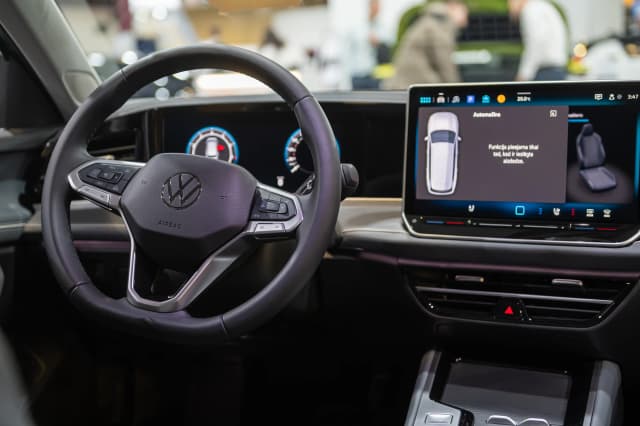
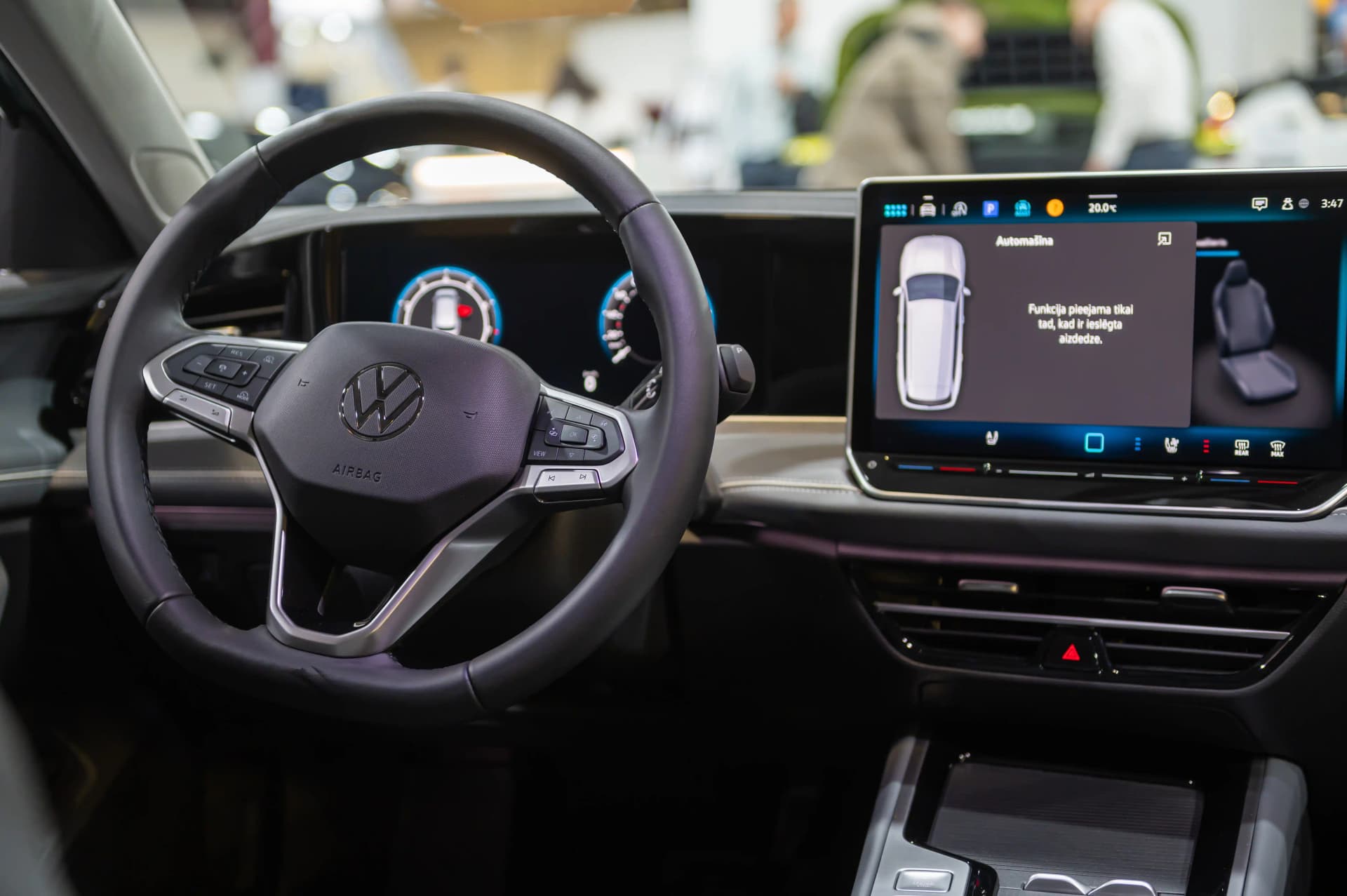
The latest Golf generation uses the MIB3 platform. Radio code handling is integrated into the vehicle's digital architecture. If your MK8 Golf requests a code, contact our support team for model-specific guidance.
Universal Code Entry Instructions
- Turn ignition ON (engine off is fine)
- Radio displays "SAFE" or "1000"
- Buttons 1-2-3-4 set each code digit (press repeatedly to cycle 0-9)
- Hold right arrow (→) or OK for 2 seconds to confirm
- Radio unlocks instantly if code is correct